Horiz0n
Version: 1.2
I was discussing the concept of occlusion culling with someone recently.
I told them that the engine has no defense against extremely draw-call bound areas, such as Old Ebonheart.
However, I kept thinking about it, and eventually realized that was bullshit - because we DO have frustum and distance cull. These are the oldest tricks in the book for optimizing framerates in Morrowind, going all the way back to the classic Morrowind FPS Optimizer app from however long ago.
The problem that I found with prior approaches was that they were all dedicated to the idea of saving your framerate at all times. You'd get your frames back, but they wouldn't expand your view distance back out when the headroom returned.
Thus was born, Horiz0n.
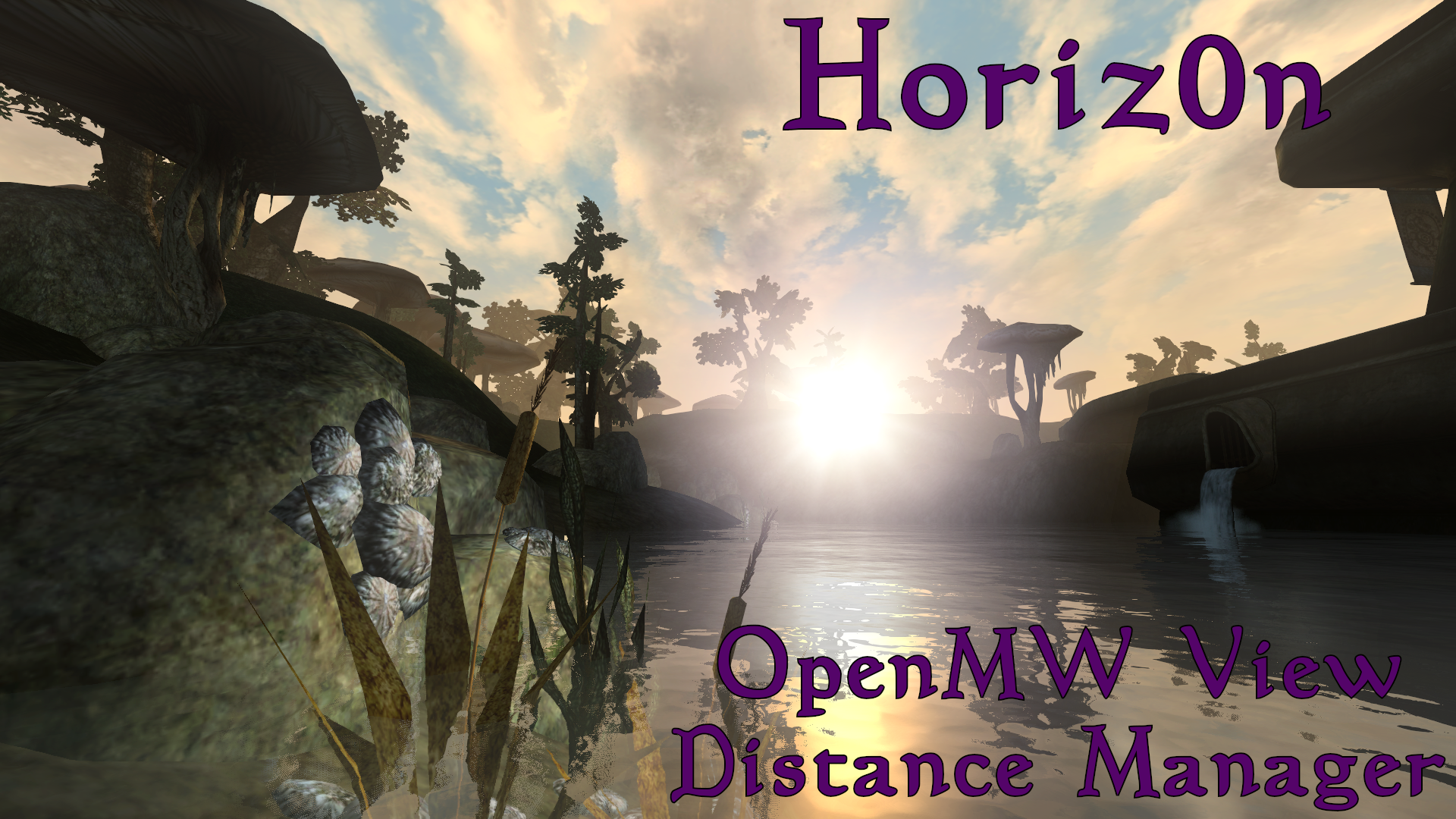
- Download the mod from Here
- Extract the zip to a location of your choosing.
- Paste the location you extracted it to into the form below, hit
Generate Config, and paste the result into openmw.cfg.
Where would you like to install this mod?
# Horiz0n Data Directories
data=C:/Games/OpenMW-Mods/Horiz0n/.

# Horiz0n Content Files
content=Horiz0n.esp
Overview
Much like its sibling, S4V3R, Horiz0n is minimalist in design and aggressively tries to optimize your framerate.
The way it works is simple:
- Horiz0n keeps track of the fastest frame your game's ever rendered
- It checks the current frametime, thirty times per second, if the world is not paused AND you are not in a true interior cell - so Starwind and Tribunal should both work fine.
- If the current frametime is 10% worse than the best one recorded, lower the view distance by 16 units. If it's 30% worse, lower by 32 units. Otherwise, raise view distance by 16 units.
It'll keep going as-needed until you hit either the minimum or the maximum viewing distance.
In order for Horiz0n to work correctly, you must set a framerate limit in the OpenMW launcher, or manually in your settings.cfg file. YOU HAVE BEEN WARNED.
The fastest-frame tracking is intended to allow maintaining a moving performance baseline rather than a fixed framerate target - consequently, Horiz0n doesn't care if you're at 60, 120, or 240Hz - it just cares how well your system ran the game during this session.
The minimum viewing distance is 2048 units, which is exactly one quarter of a standard Morrowind cell. This prevents your viewing distance from ever becoming too short to actually navigate, even in extremely demanding areas.
Interiors are ignored intentionally because they usually hit your framerate limit to begin with.
The steps are all relatively small, and the 30Hz tickrate ensures that transitions generally aren't too noticeable.
As of version 1.2, all of Horiz0n's internal tuning parameters are exposed:
- Minimum View Distance
- Maximum View Distance
- Adjustment Framerate
- Normal Frametime Decrease Adjustment
- Severe Frametime Decrease Adjustment
- View Distance Step
- Severe View Distance Step Multiplier
- Disable/Enable the entire mod
By default, the max view distance is 25 cells, as view distance is extremely cheap outside of the active grid.
This setting is exposed for those who wish to use extreme view distances on either end.
Personally, I cap it to 5 cells.
Additionally, 1.2 and onward interop with H3lp Yours3lf to ensure view distance is always maxed whilst indoors, to avoid unneccessary blind spots in dungeons.
Also, I recommend using it with Hawk3ye, as the zoom effect produces a very fun interaction with Horiz0n that causes your view distance to literally increase when you zoom in, due to Hawk3ye changing your field of view. Try it out!
Credits
All code in this repository was generated by Dave Corley under the GPL3 License.
Please enjoy my content, hack away as you please, and respect the freedoms of your fellow creators in the meantime.